Tax
UK Self Assessment for Side Hustles: What to Track in a Spreadsheet (SA103)
To keep side-hustle income tidy for HMRC Self Assessment, record every payment and allowable expense by UK tax year in a simple spreadsheet — then use those totals when you fill in your self-employment pages (SA103).
This article is general information about record-keeping, not personalised tax advice. Rules change. Check current guidance on GOV.UK or speak to a qualified adviser before you file.
Who this is for
This is for people in the UK with a side hustle or freelance income they earn as a sole trader — tutoring, Etsy selling, content creation, weekend trades, consulting on the side, and similar.
You usually need to think about Self Assessment when you have self-employment income. GOV.UK currently says you must send a tax return if, in the last tax year, you were self-employed as a sole trader and earned more than £1,000 (before reliefs). Other situations can also trigger a return. Confirm against the live rules.
If you are unsure, use HMRC’s checker on GOV.UK rather than guessing.
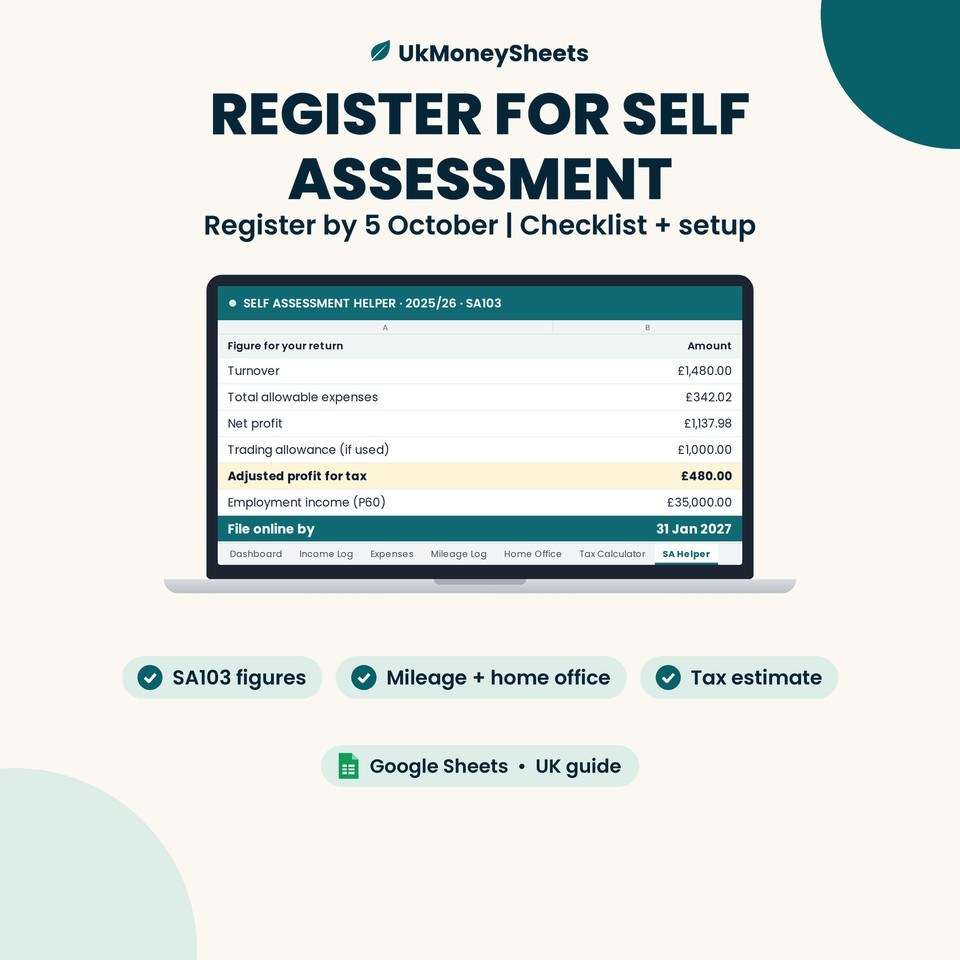
SA103 is the self-employment section of the Self Assessment return (the full version is often called SA103F). Your spreadsheet is not the form itself. It is the working file that holds the figures you need when you complete those pages.
What HMRC expects you to keep
If you are self-employed, HMRC expects you to keep records of business income and expenses so you can complete an accurate return and show evidence if asked.
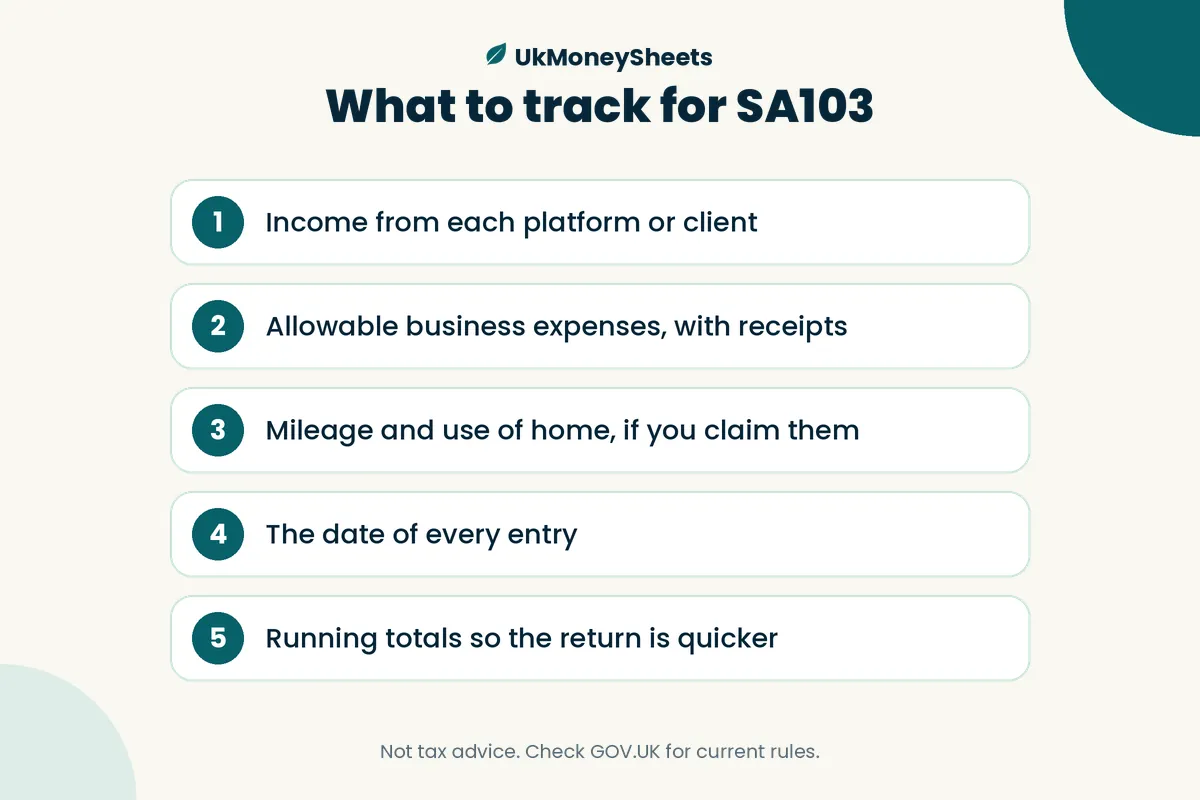
At a minimum, plan to track:
- All sales and income (what you earned, from whom or which platform, and when)
- All business expenses (what you spent, on what, and when)
- Supporting proof (invoices, receipts, platform statements, bank statements)
Digital records are fine if they are accurate and clear. You do not normally send the full paperwork with your return, but you must keep it.
How long to keep records is set out on GOV.UK. For self-employed people, the usual rule is at least 5 years after the 31 January deadline for the relevant tax year. Always check the current page rather than relying on memory.
SA103 in plain English
When you report self-employment on Self Assessment, HMRC needs a clear picture of:
- Income — money your business brought in
- Expenses — allowable costs of running the business
- Capital / assets — bigger items you buy and keep for the business (how you claim these depends on your accounting method; check GOV.UK)
Your sheet should make those totals easy to add up for the UK tax year (6 April to 5 April).
A practical way to think about columns:
| What you log in the sheet | What it helps with on SA103 |
|---|---|
| Income lines (date, source, amount) | Total turnover / sales |
| Expense lines (category, amount, date) | Allowable expenses by type |
| Notes / invoice refs | Finding proof if HMRC asks |
| Tax year tag (e.g. 2025/26) | Keeping years separate |
You still decide how to classify each cost under HMRC’s rules. The spreadsheet organises the evidence; it does not replace reading the guidance or getting advice on edge cases.
From the 2024 to 2025 tax year, cash basis is the default accounting method for many sole traders (you can opt out in some cases). That choice affects when you record income and expenses. See Business records overview for the official explanation.
Why US or generic budget templates fail UK side hustlers
A lot of free templates are built for US 1099 freelancers or for household budgeting. They often:
- Use a calendar year instead of the UK tax year (6 April–5 April)
- Use USD labels and US expense categories
- Have no link to Self Assessment / SA103 language
- Assume Excel desktop files, which is awkward if you work in the browser
A UK side-hustle tracker should speak GBP, UK tax years, and “income / expenses for Self Assessment,” not “monthly budget vs goals.”
Minimum columns for a side-hustle sheet
You do not need a complex accounting system to start. These columns cover most sole-trader side hustles:
- Date — when the money moved (or when you invoiced, depending on your method)
- Type — Income or Expense
- Source / client / platform — e.g. Etsy, Stripe, Client A, tutoring app
- Description — short plain note
- Category — e.g. platform fees, software, materials, travel
- Amount (GBP) — always in pounds
- Tax year — e.g. 2025/26 or 2026/27
- Notes / invoice number (optional) — link back to proof
Optional extras that help later: payment method, bank account used, mileage miles (if you track travel that way), and a simple “reconciled?” flag.
Keep income and expenses in one ledger or on two tabs — either works, as long as you can filter by tax year and total cleanly.
A simple monthly rhythm (so January is calm)
Year-end panic usually comes from empty rows, not hard tax law.
A workable rhythm:
- Weekly (about 15 minutes): log every payout and receipt while you still remember what it was
- Monthly: reconcile the sheet to bank, Stripe, PayPal, or Etsy payment statements
- Quarterly: skim categories for obvious mistakes (personal spend mixed in, missing fees)
- Before you file: export or filter the tax year, total income and expenses, and check odd items against receipts
Cash in the bank is not the same as taxable profit. Your sheet’s job is a complete list of business money in and out for the year.
Common expense categories for UK side hustles
GOV.UK lists types of costs that may be allowable if they are for the business — for example office costs, travel, stock/materials, marketing, and some premises costs. See Expenses if you’re self-employed.
Typical side-hustle categories people track (examples only — check whether your costs qualify):
- Platform and payment fees (Etsy, Stripe, PayPal)
- Materials and stock you sell on
- Software and subscriptions used for the business
- Advertising and website costs
- Business travel and parking (not ordinary commuting — check the rules)
- Phone / internet (business proportion only, if mixed use)
- Home office costs (business proportion or simplified expenses where allowed — verify on GOV.UK)
Rules on mileage, working from home, and mixed-use costs are detailed and change. Do not copy someone else’s percentages. Read the current GOV.UK pages or ask an adviser.
Trading allowance: GOV.UK explains a £1,000 trading allowance. You generally cannot claim that allowance and deduct actual expenses for the same income in the same way — check which option is better for you on the official guidance.
Worked mini-example (fictional numbers only)
Example only — not a real person’s accounts.
Sam tutors online and sells a few digital downloads on Etsy. In May (tax year 2026/27) they log:
| Date | Type | Source | Description | Category | Amount (£) | Tax year |
|---|---|---|---|---|---|---|
| 3 May 2026 | Income | Private client | 4× tutoring sessions | Tuition | 160.00 | 2026/27 |
| 12 May 2026 | Income | Etsy | Digital download sales | Sales | 47.50 | 2026/27 |
| 12 May 2026 | Expense | Etsy | Listing + transaction fees | Platform fees | 6.80 | 2026/27 |
| 18 May 2026 | Expense | Software | Design tool (business share) | Software | 12.00 | 2026/27 |
| 28 May 2026 | Expense | Stationery | Packaging for sample prints | Materials | 9.40 | 2026/27 |
May totals (example): income £207.50; expenses £28.20.
At year end, Sam filters Tax year = 2026/27, sums income and expenses, and uses those totals (plus any other adjustments required by HMRC) when completing the self-employment pages. The sheet does not decide what is allowable; it keeps the trail organised.
How the UkMoneySheets SA103 sheet fits
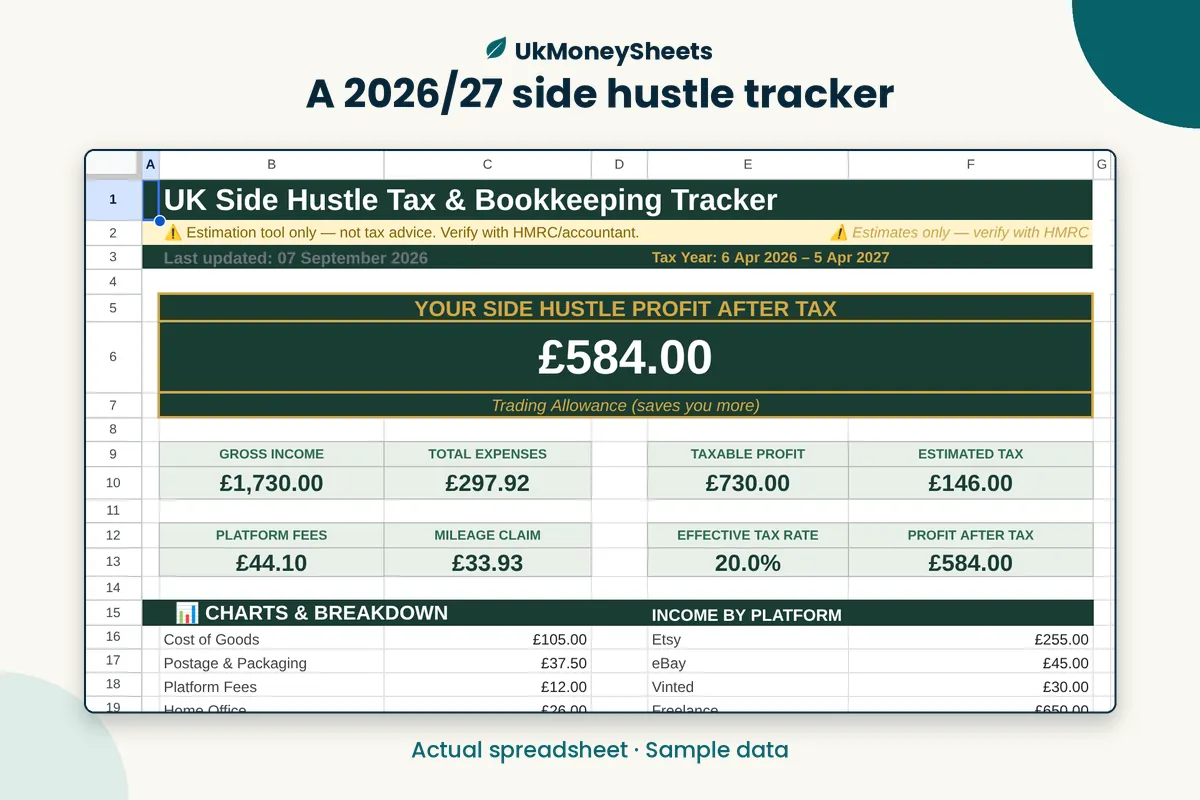
If you want a ready-made layout instead of building columns from scratch, the UK Side Hustle Tax Spreadsheet 2026/27 on UkMoneySheets is a Google Sheets file (not Excel) for side-hustle bookkeeping and Self Assessment prep in the current tax year.
Worth knowing about the shop’s products:
- UK Side Hustle Tax Spreadsheet 2026/27 | Self Assessment SA103 — built around tracking income and expenses for SA103-style reporting in the current tax year
- Related listings for UK Self Assessment Spreadsheet 2025/26, a Side Hustle Bookkeeping Bundle, and a wider UK Money Toolkit if you want more than one year or extra trackers
Files are delivered as a PDF with the Google Sheets link, so you can copy the sheet into your own Drive and edit in the browser. They are record-keeping templates — they do not file your return, contact HMRC, or guarantee that HMRC will accept any particular figure.
FAQ
Do I need Self Assessment for a small side hustle?
Often yes if you are self-employed as a sole trader and your income is above the threshold GOV.UK sets for that year (currently described as more than £1,000 before reliefs), or if another Self Assessment rule applies. Check who must send a tax return for your situation.
Can I use Google Sheets for HMRC records?
Yes — HMRC allows digital records if they are accurate and you can produce them if asked. Google Sheets can be a valid way to keep the working totals; keep backups and keep the underlying invoices and bank evidence too. See self-employed records.
What’s the difference between a budget spreadsheet and a Self Assessment tracker?
A budget spreadsheet plans spending. A Self Assessment tracker logs actual business income and expenses by UK tax year so you can complete SA103 (and keep evidence). Categories and tax-year tags matter more than “left to spend this month.”
Is this tax advice?
No. This article and any UkMoneySheets template are for organisation and education only. They are not advice on your personal tax position. Verify rules on GOV.UK or with a qualified adviser.
Get a UK-ready sheet (soft next step)
If you are starting from a blank grid, set up the minimum columns above and log weekly.
If you would rather start from a UK tax-year template aimed at side hustles and SA103, grab the UK Side Hustle Tax Spreadsheet 2026/27 from UkMoneySheets on Etsy.
Then keep the habit: small weekly updates beat a March scramble — and always double-check figures against GOV.UK before you submit.
Disclaimer
Not tax or financial advice. Rules, allowances and product names change — GOV.UK is the source of truth. Confirm the live Etsy listing before purchase. UkMoneySheets templates are Google Sheets only (never Excel), delivered as a PDF with a copy link, prices in GBP.
Browse UkMoneySheets on Etsy