Tax
Making Tax Digital £30k Threshold (April 2027): Qualifying Income Check
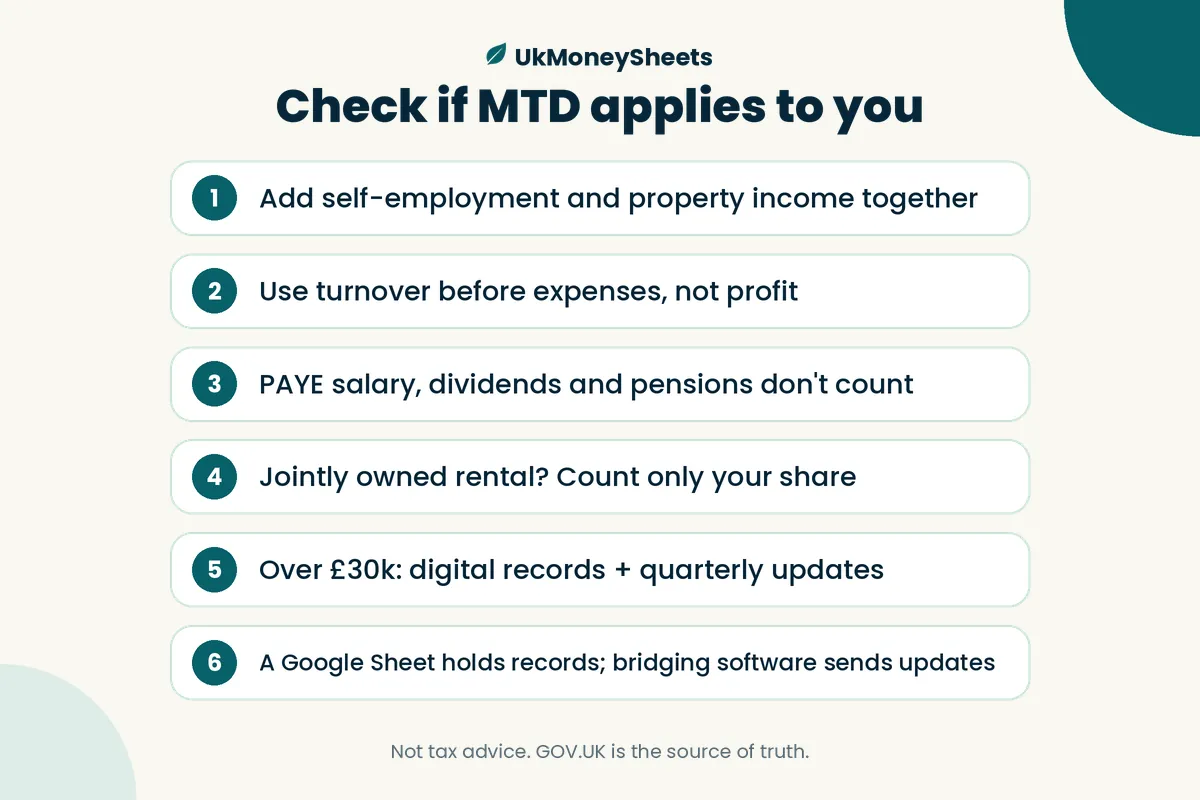
From 6 April 2027, you must use Making Tax Digital for Income Tax if you're a sole trader or landlord whose qualifying income on your 2025/26 tax return was over £30,000. Qualifying income is your self-employment and property income added together before expenses — so £18,500 of side-hustle sales plus £14,400 of rent is £32,900, even if your profit is far lower (example only). If you're in, you'll keep digital records and send quarterly updates through HMRC-recognised software; a spreadsheet can hold your records, but only if bridging software links it to HMRC.
This guide is general information, not tax advice. Rules and dates are from GOV.UK as at October 2026 — check the linked GOV.UK pages or a qualified adviser for your situation. Example figures are made up for illustration. UkMoneySheets templates are not HMRC-recognised MTD software.
Do I need Making Tax Digital from April 2027? (the short answer)
HMRC's press release of 5 October 2026 puts it plainly: there are "just six months to go" until sole traders and landlords with turnover over £30,000 must use Making Tax Digital (MTD) for Income Tax, from 6 April 2027 (HMRC press release). HMRC estimates around 1,077,000 more sole traders and landlords will need to join from that date, based on its analysis of 2024 to 2025 Self Assessment returns.
You need MTD for Income Tax if all three apply (GOV.UK: find out if and when you need MTD):
- You're a sole trader or landlord registered for Self Assessment.
- You get self-employment income, property income, or both.
- Your qualifying income is over the threshold for the relevant tax year.
The threshold steps down each year, and each step is tested on a different tax return:
| If your qualifying income was over… | …in tax year | You use MTD from |
|---|---|---|
| £50,000 | 2024/25 | 6 April 2026 |
| £30,000 | 2025/26 | 6 April 2027 |
| £20,000 | 2026/27 | 6 April 2028 |
So the number that decides whether 6 April 2027 is your start date is on your 2025/26 Self Assessment return — the one due online by 31 January 2027. You still file a normal Self Assessment return for the tax year before you start. Partnerships will join later; HMRC hasn't set a date yet.
What counts as qualifying income (and what doesn't)
Qualifying income is your total income from self-employment and property, before expenses (HMRC also calls this "turnover"), based on the tax return for the previous tax year. It can come from more than one source (GOV.UK: work out your qualifying income).
HMRC's press release spells it out: turnover "includes gross income from self-employment and property before any tax allowances or expenses are deducted".
The "turnover, not profit" mistake
This is the trap. If your Etsy shop takes £18,500 and your costs are £6,000, the figure that counts for MTD is £18,500, not the £12,500 left over. Rent works the same way: £1,200 a month is £14,400 of gross rent, whatever your mortgage interest, letting fees and repairs come to.
GOV.UK's own example: £25,000 of rental income plus £27,000 of self-employment income = £52,000 qualifying income.
If you need a refresher on logging gross sales and costs separately, see how to track side-hustle income and expenses. Landlords: your restricted finance costs are an expense, so they don't reduce the gross rent figure here — more in our landlord and Section 24 guide.
What does not count
These are not qualifying income, per GOV.UK:
- Employment income taxed through PAYE (your day-job salary)
- Your share of partnership profit as an individual partner
- Dividends, including from your own company
- State Pension
- Private pensions
So if you're a PAYE employee with a side hustle, only the side-hustle sales (and any rent) go into the test — your salary stays out.
Jointly owned property: only your share
If you jointly own a rental, only your share of the income counts. GOV.UK's example: a property generating £50,000 split equally gives each owner £25,000 of qualifying income.
Add it up: the qualifying income worksheet
Example figures, not real people or advice.
Use one row per income source, using your 2025/26 figures. Here's the layout we suggest building in Google Sheets.
Example A: side hustle plus a rental flat
| Column | Row 1 | Row 2 |
|---|---|---|
| Source name | Etsy prints (self-employment) | Flat, 100% owned (UK property) |
| Type | Self-employment | Property |
| Gross income (before expenses) | £18,500 | £14,400 (£1,200 × 12) |
| Ownership share % | 100% | 100% |
| Your share of gross | £18,500 | £14,400 |
| Months active (for annualising) | 12 | 12 |
| Expenses (for info only — not used in test) | £6,000 | £9,000 |
| Counts toward MTD? (Y/N) | Y | Y |
Qualifying income: £18,500 + £14,400 = £32,900 → over £30,000 → MTD from 6 April 2027.
In the sheet, show profit (£17,900) greyed out with the note "not used for the threshold". It's there to stop you reaching for the wrong number.
Example B: joint landlord with a small side hustle
- 50% share of a rental with £36,000 gross rent = £18,000
- Side-hustle sales = £4,000
- Qualifying income = £22,000 → under £30,000, so not in for April 2027
- But if 2026/27 looks similar, a "2026/27 check" tab flags it as over £20,000 → would start 6 April 2028 (example only)
Formulas to use
Your share = Gross × Share%Annualised = Your share × 12 / Months active— property only; HMRC annualises part-year sole-trader income itselfStatus = IF(Total > Threshold, "Over", "Under"), with threshold cells for £30,000 (2025/26) and £20,000 (2026/27)- An exclusion checklist tab: PAYE, dividends, partnership share, pensions = not counted
Edge cases in one line each
- Joint property where you only see a net figure: if you're only told your share after expenses, HMRC uses that figure.
- New sole traders (part year): HMRC annualises your qualifying income if it has the information.
- Landlords with part-year property income: you annualise it yourself.
- Ceased sources: a ceased source still counts if you have another continuing self-employment or property source; if all your sources ceased before 6 April 2026, you won't need MTD — tell HMRC.
- Cash basis and VAT-registered: you can include or exclude VAT in business income; if you include it, it counts.
- Doesn't count: qualifying care relief, income from UK REITs or PAIFs, and basis-period transition profits.
Everything else (overseas income, averaging relief, amended returns) is on the GOV.UK qualifying income page.
If you're over £30k: what changes on 6 April 2027
- Digital records. Each record needs an amount, a date and a category (the same categories as Self Assessment). If a source's turnover is under £90,000, you can use simpler categorisation — sole traders can split income vs expense; residential landlords must also flag restricted finance costs. Keep digital records for at least 5 years after the 31 January deadline (GOV.UK: create digital records).
- Quarterly updates. HMRC says these "are not additional tax returns, but short summaries" of your income and expenses.
- Your tax return for 2027/28 is completed through compatible software.
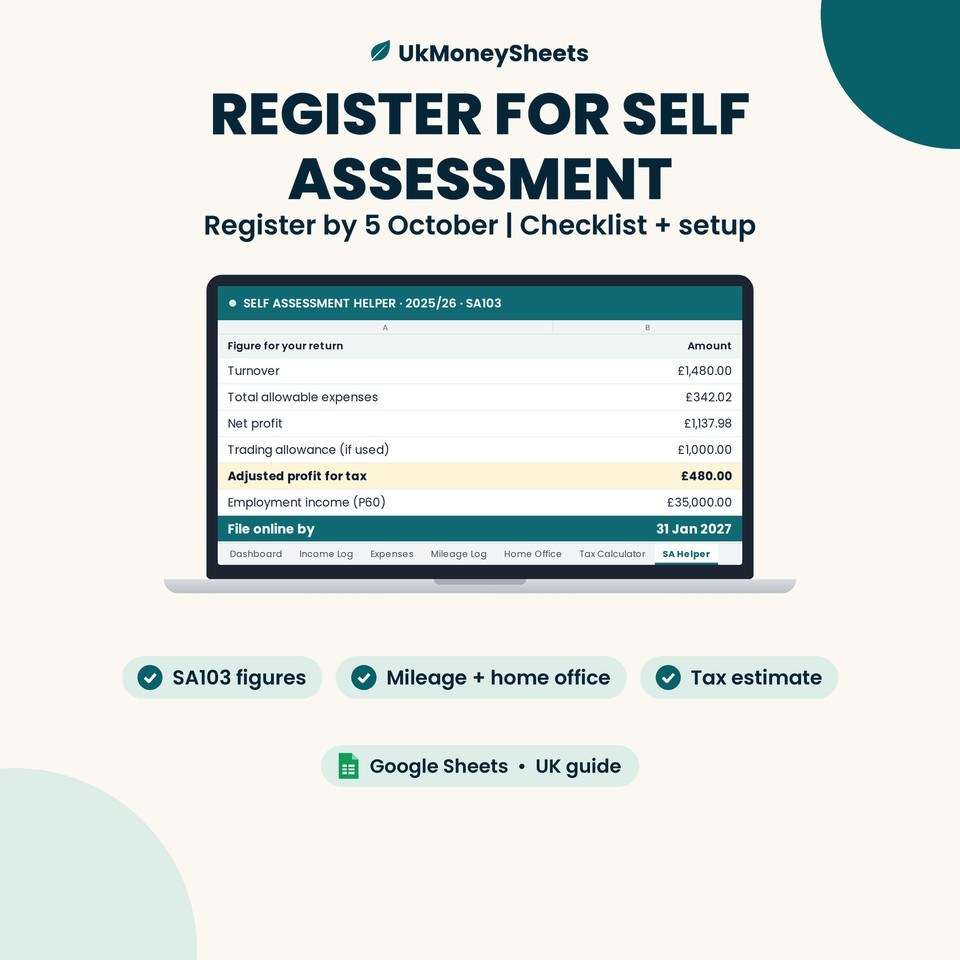
- Signing up. To sign up you must be registered for Self Assessment and have submitted a tax return in the last two years (GOV.UK: sign up for MTD). Not registered yet? Start with our guide to registering for Self Assessment.
- HMRC's letter. HMRC checks each return and writes if you're over the threshold. No letter does not mean you're out — GOV.UK says it's still your responsibility to check and sign up.
- Exemptions exist (for example if you're digitally excluded) — some are automatic, some you apply for. See GOV.UK: MTD exemptions.
(If you've been in MTD since April 2026 because you were over £50,000, your second quarterly update is due 7 November.)
Your first-year quarterly calendar (2027/28)
Based on GOV.UK's deadlines, here's how the first year lines up for the £30k group (standard update periods). This is our arithmetic from the GOV.UK rules, not an HMRC quote.
| Step | Date |
|---|---|
| 2025/26 Self Assessment return (the one HMRC uses for the £30k test) — online deadline | 31 January 2027 |
| MTD starts — keep digital records from | 6 April 2027 |
| Q1 (6 Apr–5 Jul 2027) update due | 7 August 2027 |
| Q2 (6 Apr–5 Oct 2027) update due | 7 November 2027 |
| Q3 (6 Apr–5 Jan 2028) update due | 7 February 2028 |
| Q4 (6 Apr 2027–5 Apr 2028) update due | 7 May 2028 |
| 2027/28 tax return through MTD software | 31 January 2029 |
Your 2026/27 return (due 31 January 2028) is still a normal Self Assessment return.
Things to know about the updates (GOV.UK: send quarterly updates):
- Cumulative: each update covers from the start of the tax year (6 April) to the end of the period, not just the last three months.
- Nil updates still count: if you had no income or expenses in a period, you still send the update.
- Calendar periods: if you use 1 April–31 March periods instead, the deadlines are the same.
- Sending early: you can send up to 10 days before a period ends if you don't expect any more transactions.
Penalties: no grace period for the £30k group
HMRC isn't applying penalty points for late quarterly updates in 2026/27 only — that's the £50k group's first year. There is no penalty grace period for the £30k group in 2027/28. From your first year, each late quarterly update earns a penalty point, and 4 points = a £200 penalty. Points also apply to late tax returns. The new MTD penalty regime replaces the current Self Assessment penalties from the tax year you join; the current penalties still apply to earlier years (GOV.UK: MTD penalties).
Calendar tab for your sheet
| Quarter | Period end | Deadline | Note | Nil update? | Bridging software linked? |
|---|---|---|---|---|---|
| Q1 2027/28 | 5 Jul 2027 | 7 Aug 2027 | Cumulative from 6 April | Still required | ☐ |
| Q2 2027/28 | 5 Oct 2027 | 7 Nov 2027 | Cumulative from 6 April | Still required | ☐ |
| Q3 2027/28 | 5 Jan 2028 | 7 Feb 2028 | Cumulative from 6 April | Still required | ☐ |
| Q4 2027/28 | 5 Apr 2028 | 7 May 2028 | Cumulative from 6 April | Still required | ☐ |
The sheet is a reminder and checklist only. It doesn't submit anything.
Can I keep using a Google Sheet? (bridging software, honestly)
For records, yes. For submitting to HMRC, not on its own.
GOV.UK describes software that "connects to your existing records, such as those held in spreadsheets" as bridging software. The software must be HMRC-recognised, and HMRC does not recommend any product (GOV.UK: choose the right software).
The catch is digital links. Once records are used in an update, they must be digitally linked to the submitting software — for example linked cells or formulas, a CSV/XML import, or an API. Copy-and-paste or re-typing records doesn't count (GOV.UK: create digital records).
We don't name or rank bridging software. Use HMRC's list of recognised software on the GOV.UK page above.
If you're under £30k: the £20k check for April 2028
The threshold drops to £20,000 from April 2028, tested on your 2026/27 return. Use the same worksheet with 2026/27 figures — the tax year you're in now. In Example B above, £22,000 of qualifying income would mean starting on 6 April 2028 if 2026/27 turns out similar.
FAQ
Is the £30,000 Making Tax Digital threshold based on profit or turnover?
Turnover. Qualifying income is your gross self-employment and property income before expenses, not your profit (GOV.UK).
Do I add my side-hustle income and rental income together?
Yes. Qualifying income is self-employment and property income combined. GOV.UK's example is £25,000 of rent plus £27,000 of self-employment income = £52,000.
Does my PAYE salary count towards the £30k?
No. Employment income taxed through PAYE doesn't count. Nor do dividends, the State Pension, private pensions, or your share of partnership profit as an individual partner.
Which tax year does HMRC use to decide if I start in April 2027?
Your 2025/26 tax year — the Self Assessment return due online by 31 January 2027. If your qualifying income on that return is over £30,000, you start on 6 April 2027 (GOV.UK).
I jointly own a rental property — what counts?
Only your share. A property bringing in £50,000 split equally is £25,000 each. If you're only told your share after expenses, HMRC uses that figure.
Will HMRC write to me, and what if I don't get a letter?
HMRC checks each return and writes if you're over the threshold. If no letter arrives, it's still your responsibility to check and sign up if you need to.
Can I use a spreadsheet for Making Tax Digital?
For keeping records, yes — but you need HMRC-recognised bridging software that's digitally linked to your sheet to send updates. Copy-and-paste or re-typing isn't allowed once records are used in an update (GOV.UK).
When are the quarterly update deadlines?
7 August, 7 November, 7 February and 7 May (in the following tax year). For the £30k group's first year, that's 7 August 2027 to 7 May 2028 (GOV.UK).
Is there a penalty for a late quarterly update in my first year?
Yes, if you're in the £30k group. The no-points year applies to 2026/27 only, so there's no penalty grace period in 2027/28. Each late update earns a point, and 4 points means a £200 penalty (GOV.UK).
What happens in April 2028?
The threshold drops to £20,000. If your 2026/27 qualifying income is over £20,000, you start on 6 April 2028.
Is this tax advice?
No. It's general information based on GOV.UK as at October 2026. Check the linked GOV.UK pages or a qualified adviser for your situation.
Track the numbers as you go
A Google Sheet can hold your MTD digital records, but it can't send anything to HMRC on its own. You'll need HMRC-recognised bridging software that links to your sheet (no copy-and-paste), or other compatible software. UkMoneySheets templates are Google Sheets record-keeping and planning tools — they are not MTD software.
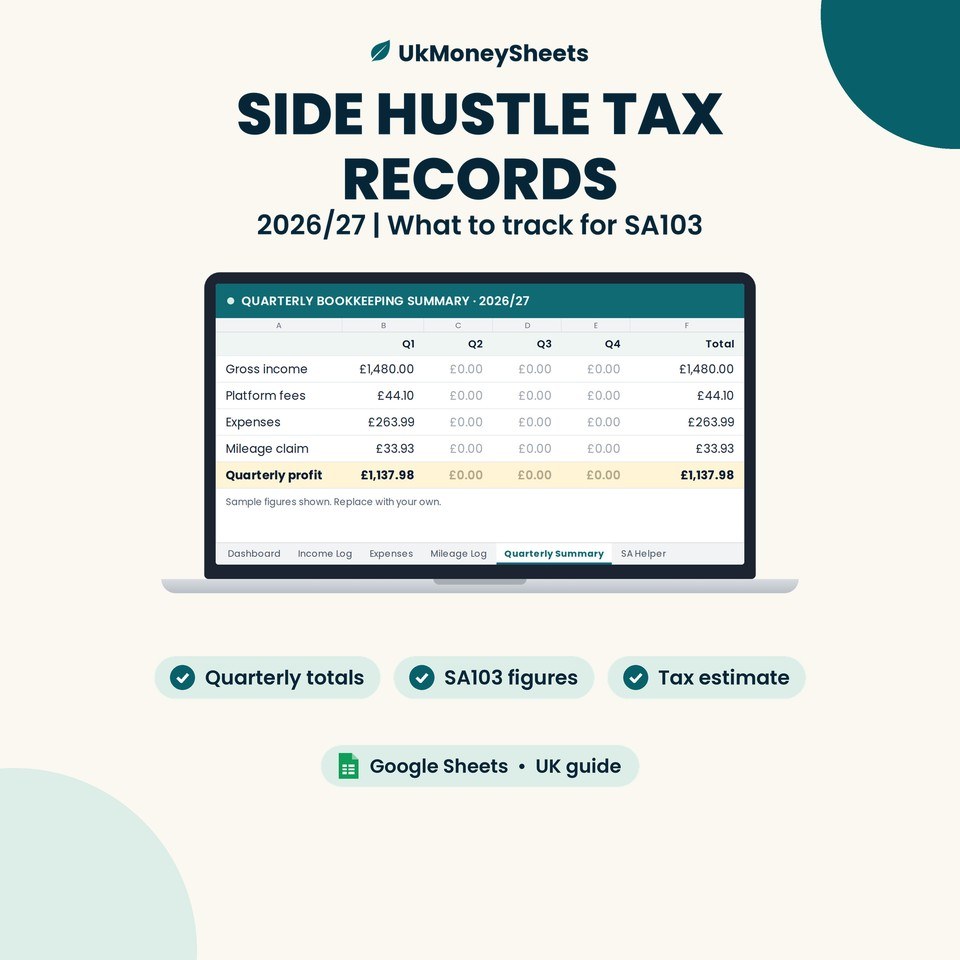
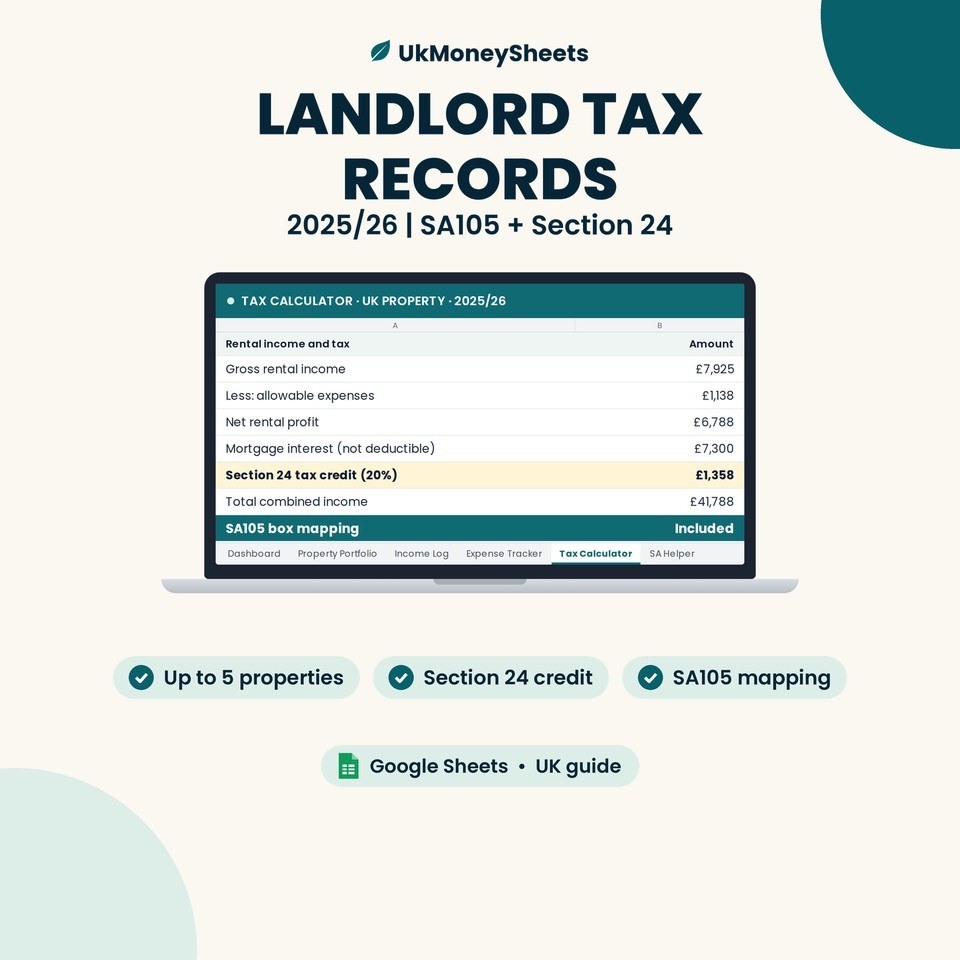
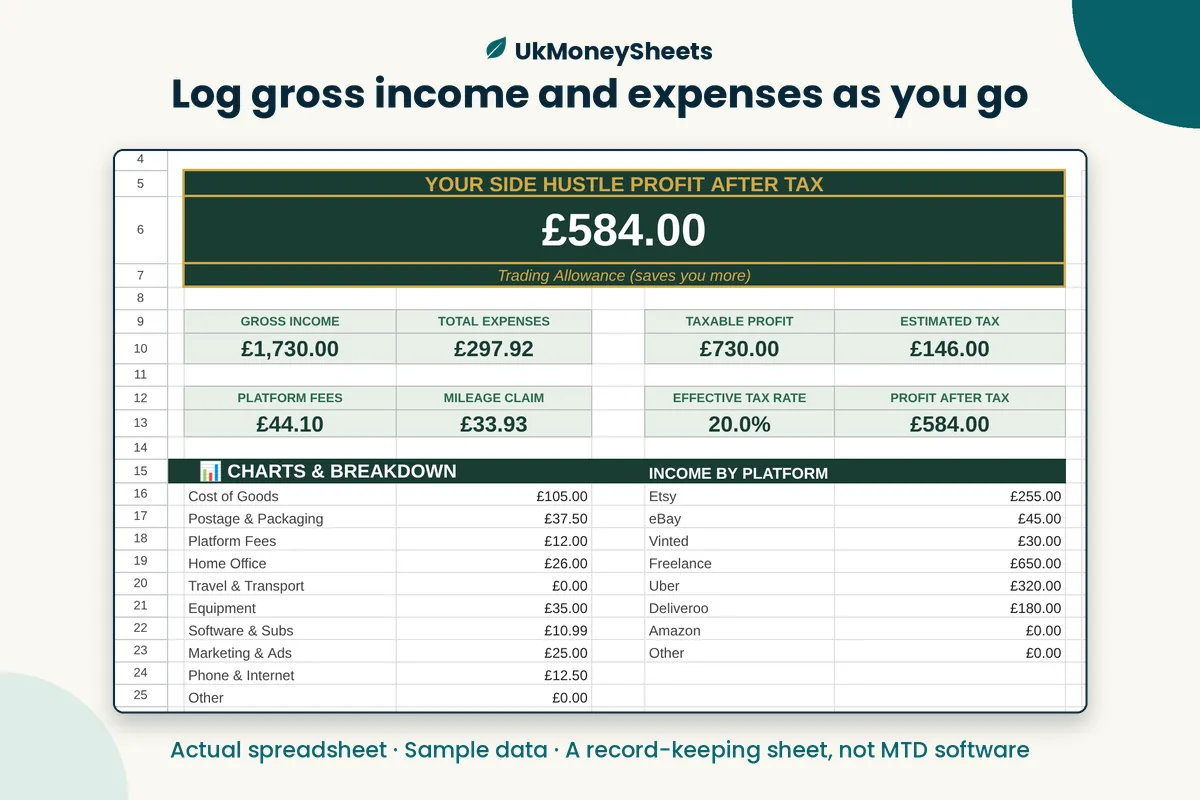
Tracking a side hustle or a rental this tax year? The Side Hustle 2026/27 sheet and the UK Landlord / Section 24 sheet are Google Sheets templates for logging gross income and expenses as you go — handy for adding up your qualifying income. They're record-keeping tools, not MTD submission software. You can see everything else in the UkMoneySheets shop.
Disclaimer
Not tax or financial advice. Rules, allowances and product names change — GOV.UK is the source of truth. Confirm the live Etsy listing before purchase. UkMoneySheets templates are Google Sheets only (never Excel), delivered as a PDF with a copy link, prices in GBP.
Browse UkMoneySheets on Etsy