Guides
Google Sheets vs Excel for UK Household Budgeting
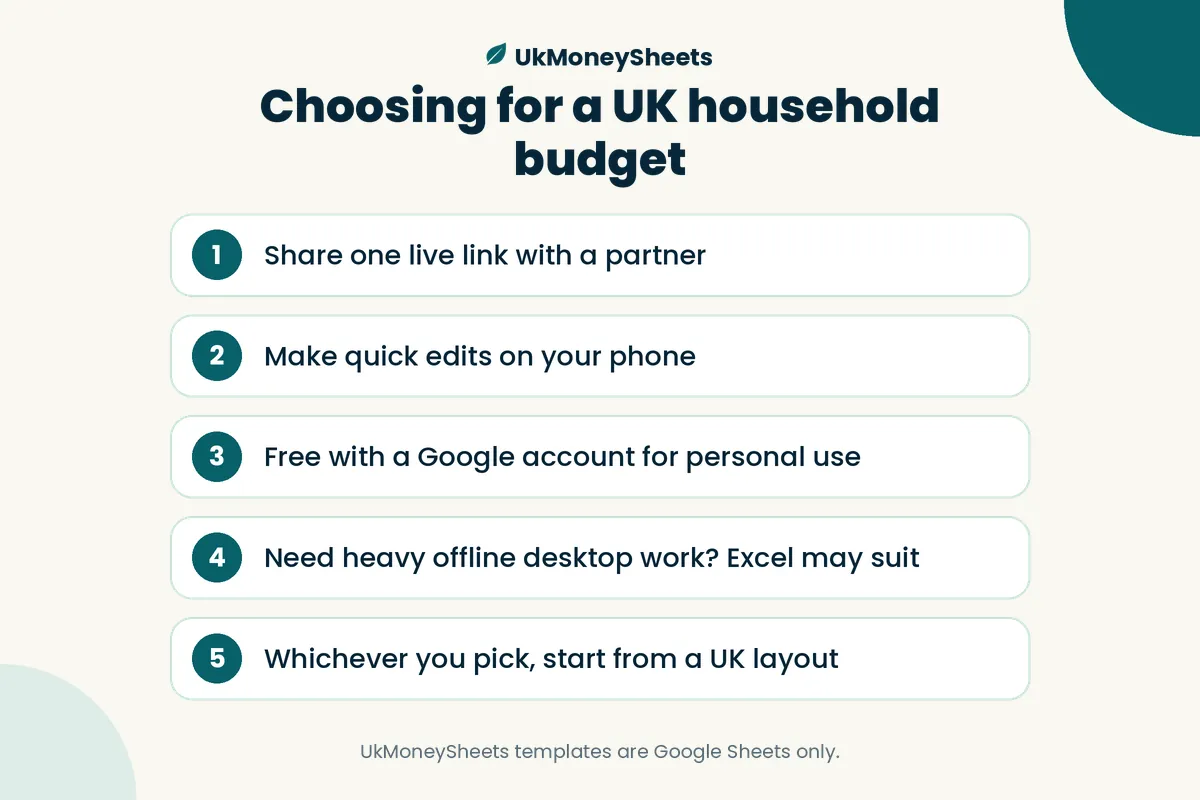
For most UK households that budget together or on a phone, Google Sheets is the simpler fit; Excel still wins if you need heavy offline modelling, advanced Excel-only features, or you already live in a Microsoft 365 workflow.
This article is general product comparison for household budgeting, not financial advice.
Quick verdict
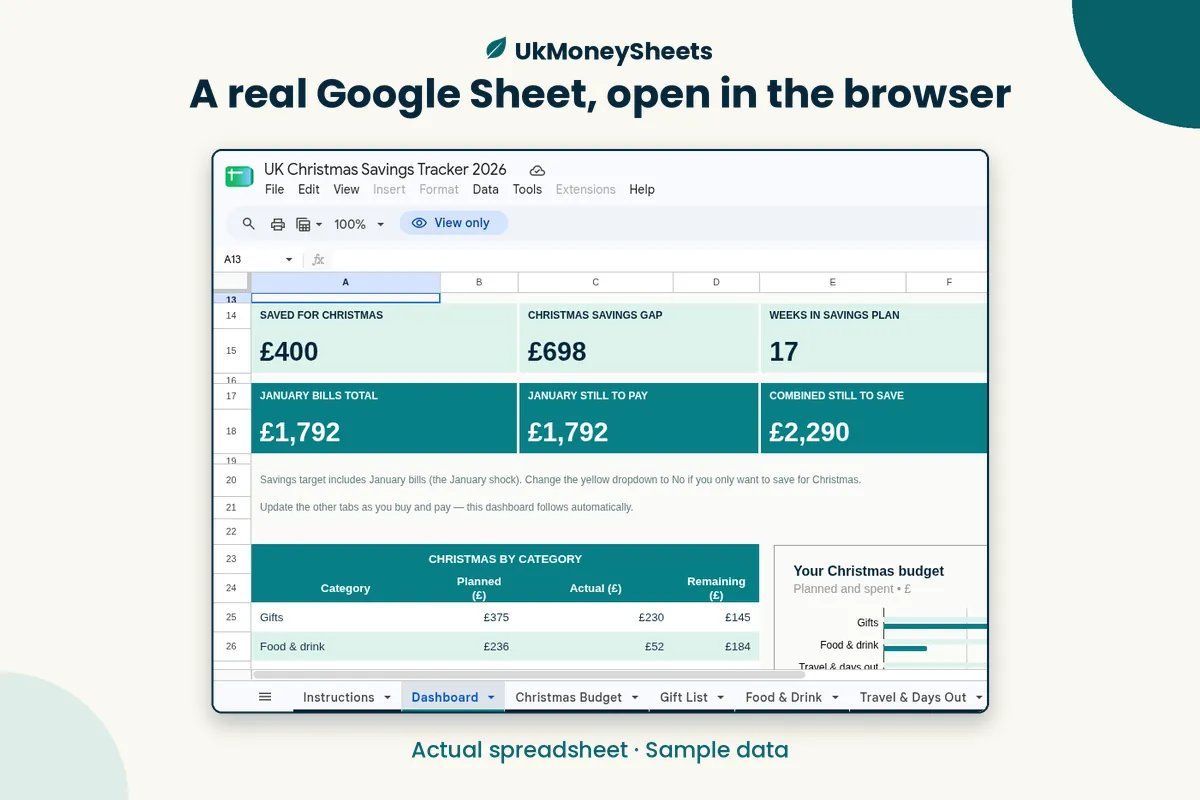
Choose Google Sheets if you want a free (with a Google account) file in the browser, easy sharing with a partner, and decent mobile editing.
Choose Excel if you already pay for Microsoft 365, need robust offline desktop power, or rely on Excel-only tools (complex Power Query models, certain macros, heavy pivot workflows).
Neither app invents discipline. The weekly habit of updating planned vs actual matters more than the brand of spreadsheet.
Collaboration (partners and flatmates)
Sheets: Share one live link with view or edit access. Two people can open the same budget without emailing versions named budget-final-v7.xlsx.
Excel: Sharing works well inside OneDrive / Microsoft 365, but classic email attachments still create conflicting copies. Fine for a solo budget; slightly more friction for a shared household unless everyone is already in the Microsoft ecosystem.
For couples who want one source of truth, Sheets is usually the path of least resistance.
Mobile
Sheets: The Google Sheets app is built for quick edits — update groceries or log a bill on the bus.
Excel: The Excel mobile app is capable, especially if you are invested in Microsoft 365, but many people still prefer a laptop for first setup and use mobile for light updates in either app.
If your budget only gets updated when you are at a desk, either works. If you need phone-first logging, try Sheets first.
Cost
Sheets: Included with a normal Google account for typical personal use. You need internet for the full experience (offline mode exists but is secondary).
Excel: Desktop Excel usually means a Microsoft 365 subscription (or a one-off licence, depending on how you buy). Web Excel exists with a Microsoft account, which narrows the gap for light use.
There is no universal “cheaper forever” answer — it depends whether you already pay for Microsoft tools for work or study.
Offline use and privacy
Excel (desktop): Strong offline use. Files can live only on your computer if you choose.
Sheets: Designed around the cloud. You can enable offline editing in Chrome for specific files, but the mental model is still “file in Drive.”
If you are uncomfortable storing a household budget in any cloud, desktop Excel (or a local-only workflow you trust) may suit you better. If you already use Gmail and Drive daily, Sheets is consistent with how you already work.
This shop’s templates are Google Sheets — they assume you are happy working in Drive.
UK templates and categories
The tool matters less than whether the template speaks UK life: council tax (often 10 months), GBP, UK tax year if you also track Self Assessment, TV licence, energy dual-fuel bills.
US Excel budgets full of “401(k)” and calendar-year tabs waste setup time. Whether you pick Sheets or Excel, start from a UK layout.
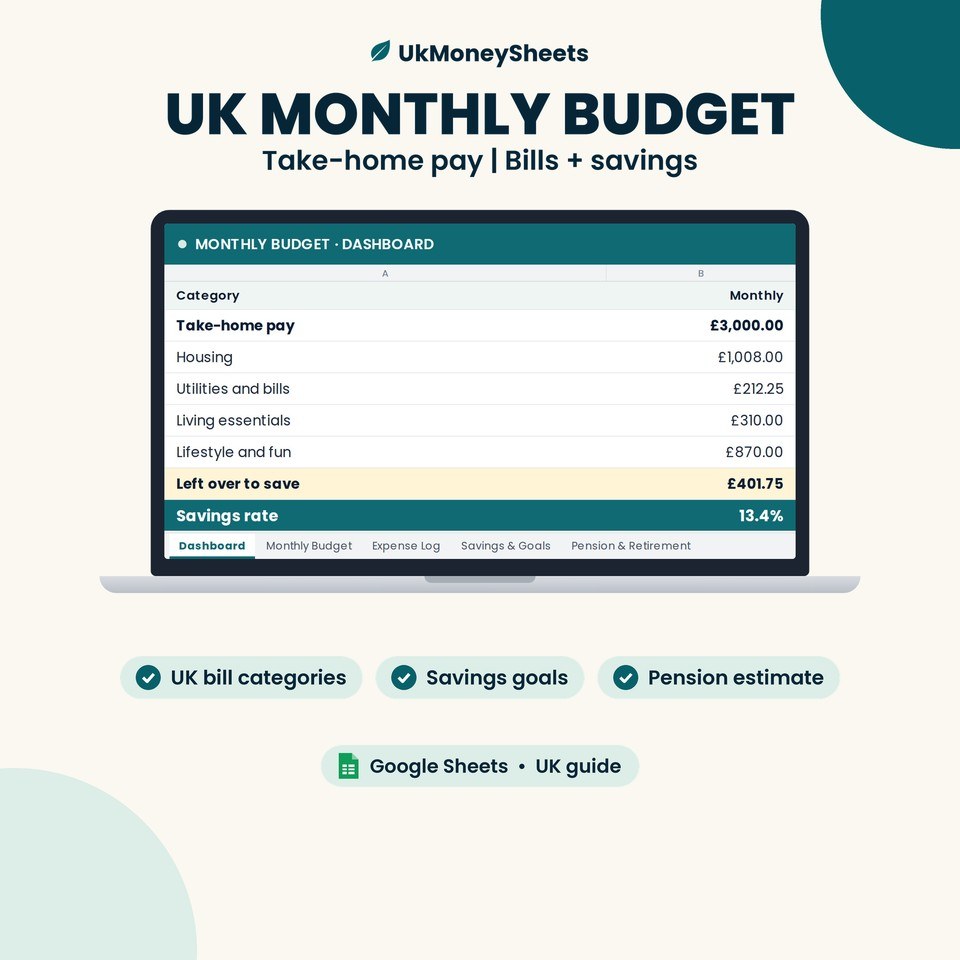
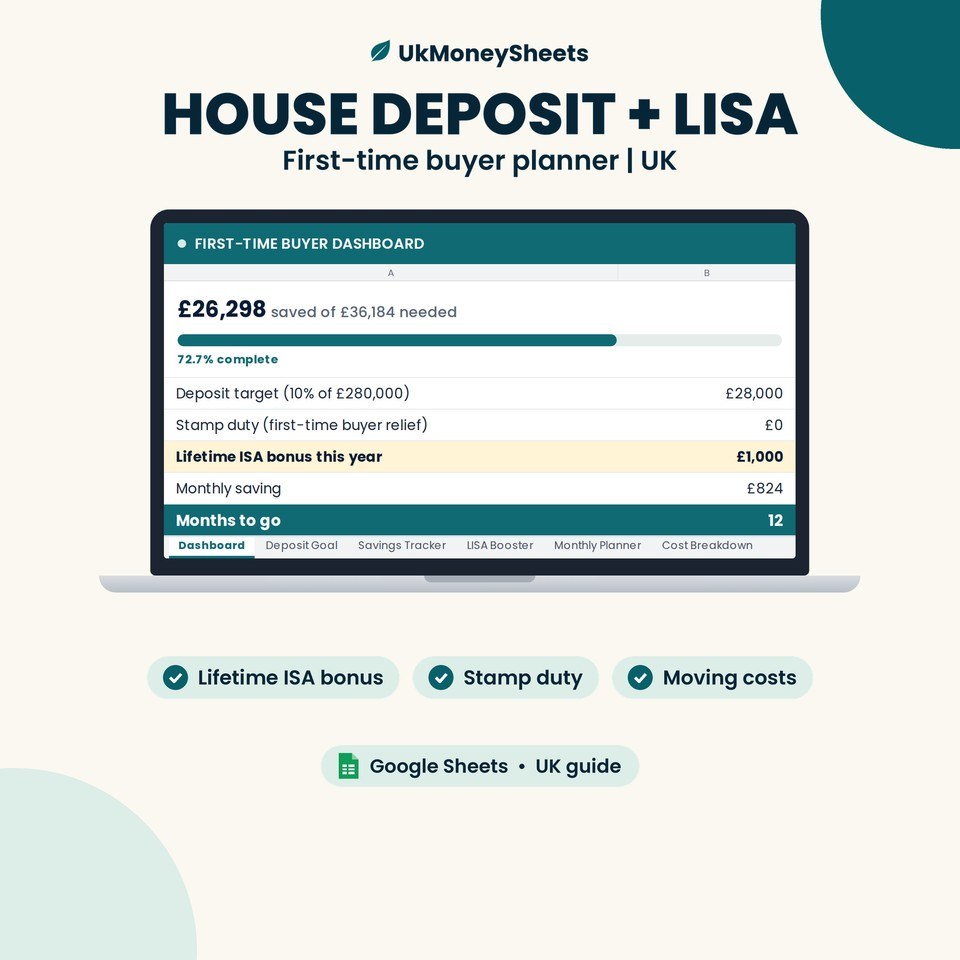
UkMoneySheets builds for Google Sheets only — UK monthly budgets, deposit planners, landlord and Self Assessment trackers — delivered as a PDF with a Sheets link so you can make your own copy.
When UkMoneySheets fits
Pick UkMoneySheets if:
- You want Google Sheets, not Excel files
- You need UK categories and GBP out of the box
- You are fine making a copy in your own Drive
Start with the UK Monthly Budget Spreadsheet for Google Sheets | Bills, Expenses & Savings, or the wider UK Money Toolkit if you want several planners together.
Browse: UkMoneySheets on Etsy
If you are firmly an Excel-only household, look for UK Excel templates elsewhere — this shop will not convert to .xlsx for you.
FAQ
Is Google Sheets “good enough” for a serious budget?
Yes for most households. Planned vs actual, categories, and sinking funds do not need enterprise Excel. Move to Excel if you outgrow Sheets for a specific modelling need.
Can I export Sheets to Excel later?
You can download a Sheets file as Excel. Formatting and some formulas can shift. If you might switch later, keep categories simple.
Which is the “best” UK budget spreadsheet?
There is no single best file. The best one is the UK-aware template you will open every week. Avoid fake “#1” claims; test a layout for one payday cycle.
Is this financial advice?
No — only a practical comparison of tools.
Soft next step
If you and a partner need one shared file on phones, open a Google Sheet this week and list income, bills, and sinking funds.
If you want a ready-made UK layout in Sheets, get the UK Monthly Budget Spreadsheet (or the Money Toolkit) from UkMoneySheets on Etsy, make a copy, and keep a fifteen-minute weekly review.
Excel users: stick with Excel if it already works — just use UK categories.
Disclaimer
Not tax or financial advice. Rules, allowances and product names change — GOV.UK is the source of truth. Confirm the live Etsy listing before purchase. UkMoneySheets templates are Google Sheets only (never Excel), delivered as a PDF with a copy link, prices in GBP.
Browse UkMoneySheets on Etsy